Trend Micro Vision One
TrendMicroVisionOne enhances and consolidates detection, investigation and response capabilities across email, endpoints, servers, cloud workloads and networks.
- Installation
- Authorization
- Data Model
- Types
- Release Notes
Installation
In TrendMicroVisionOne
- Create a TrendMicro Vision One Account.
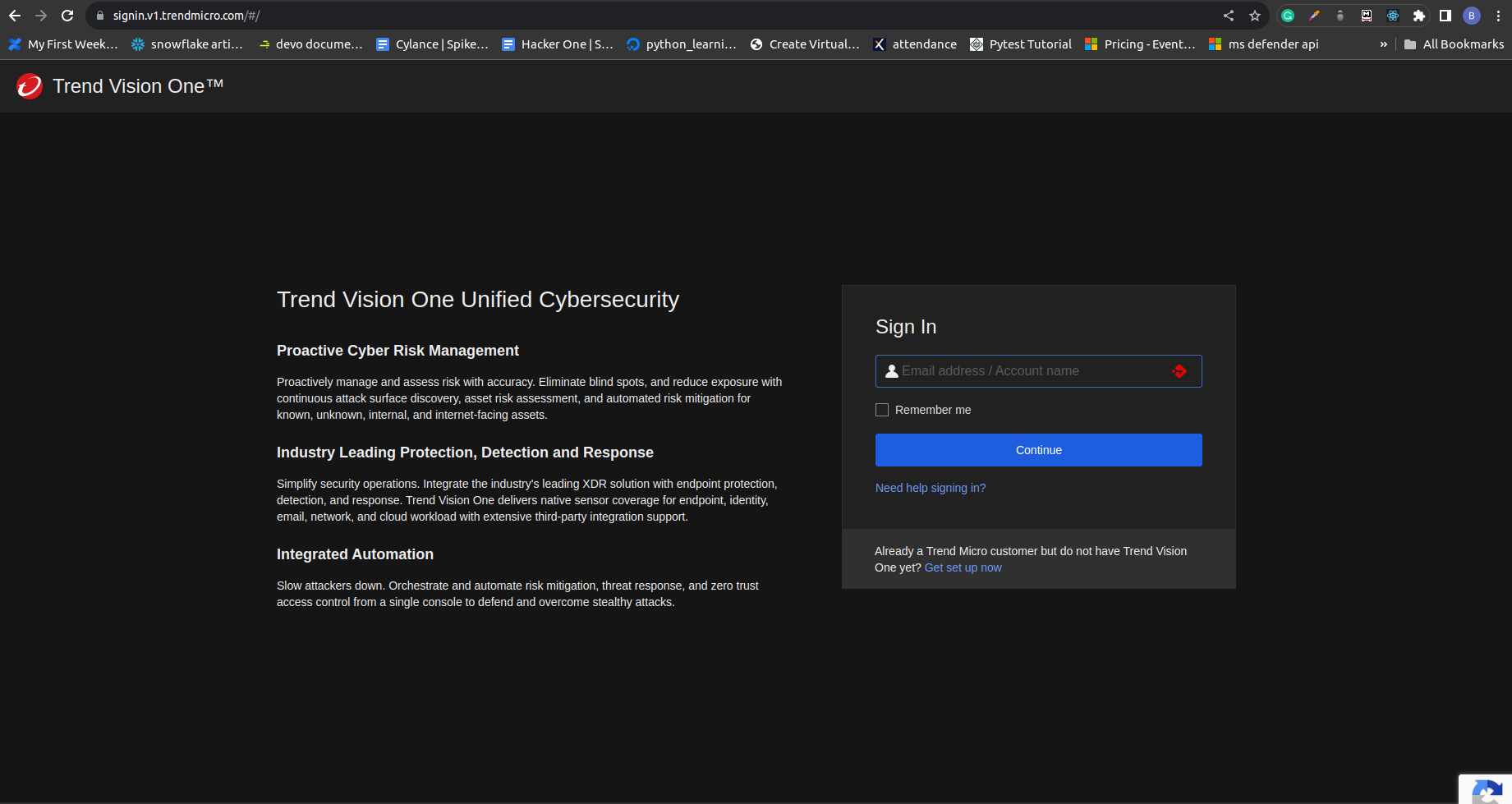
- Login to the Tenant using the URL:
https://portal.{country_Region}.xdr.trendmicro.com
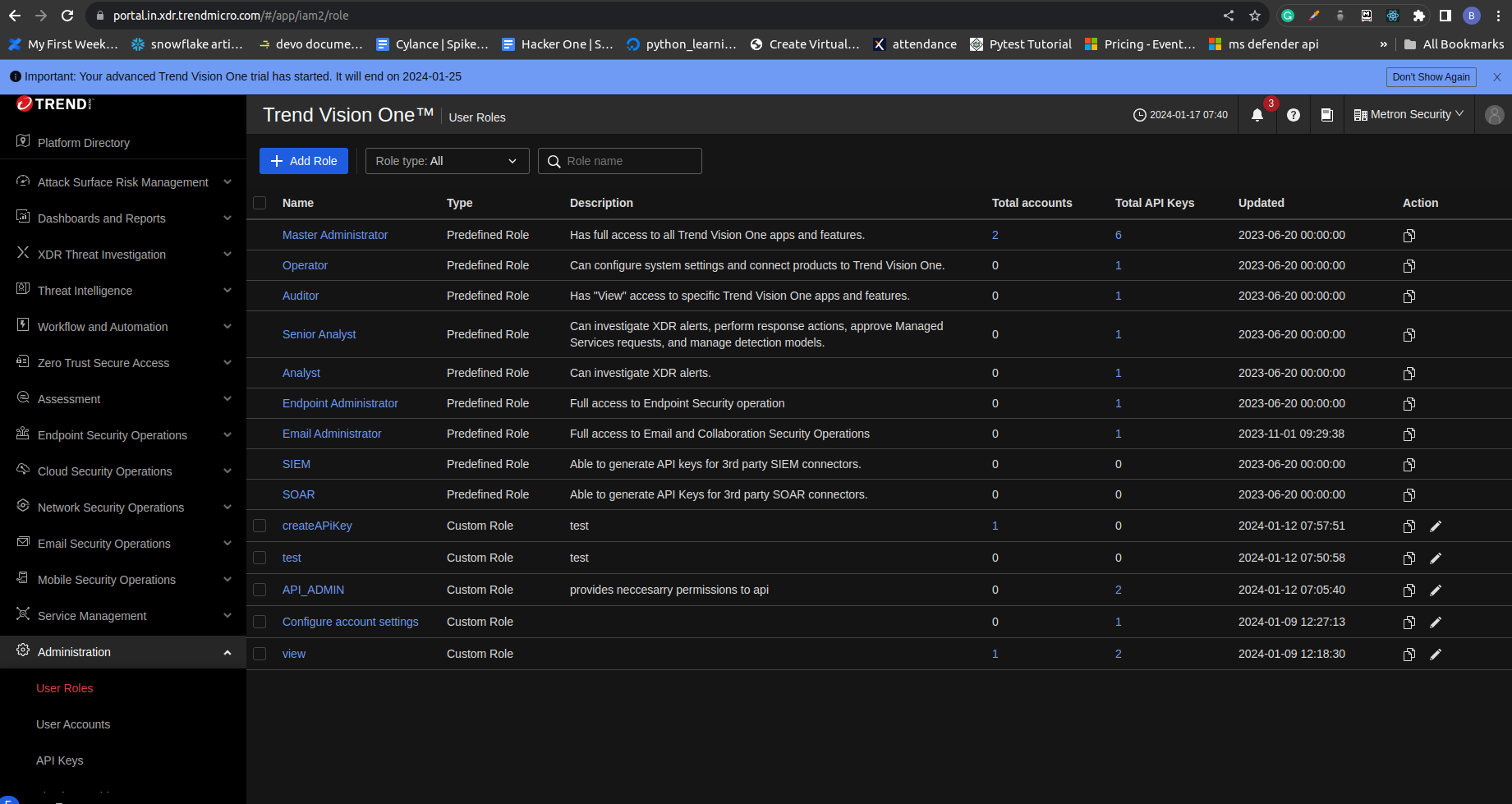
- Create a User Role
- Go to Administration > User Role > Add Role
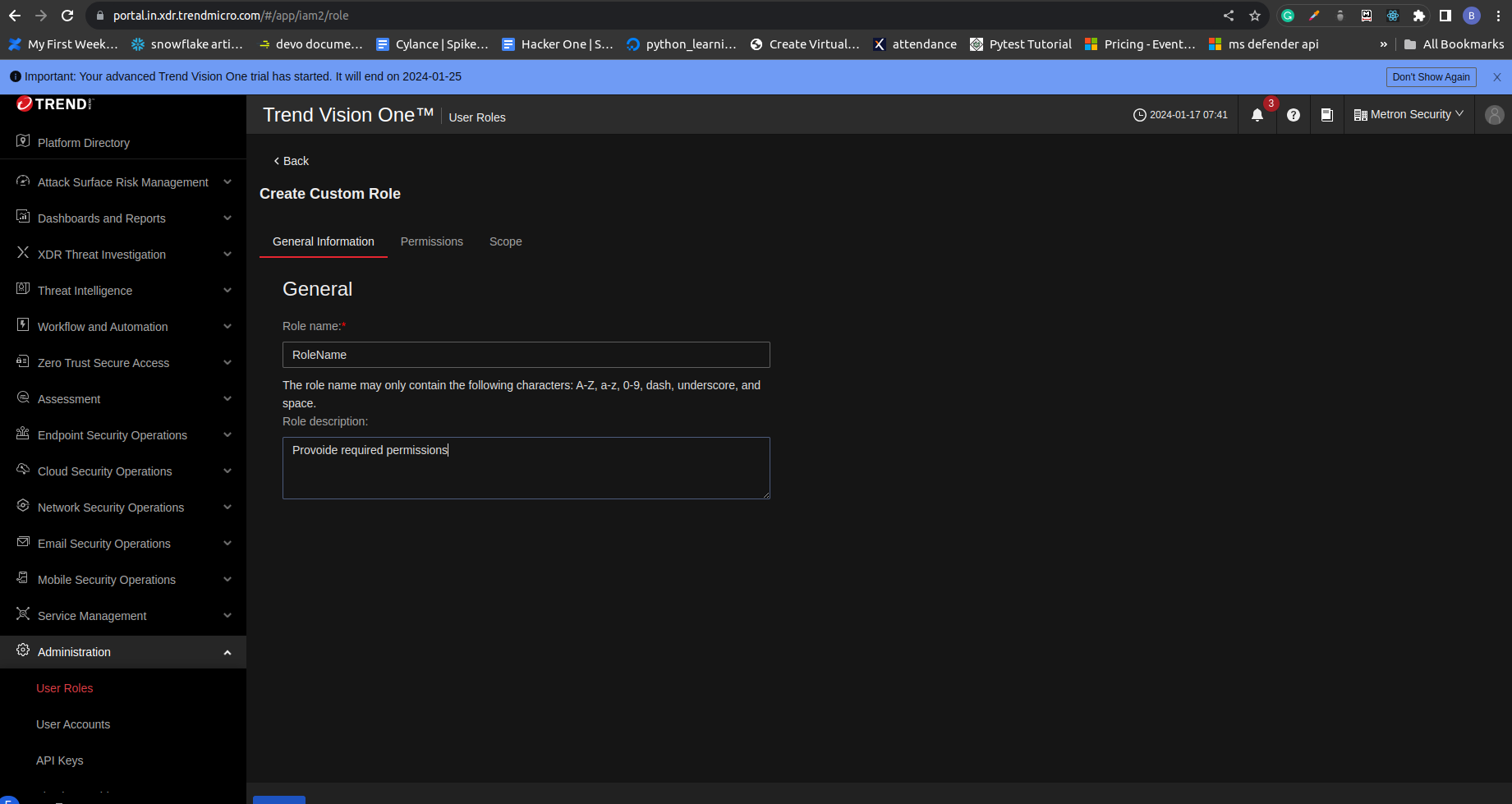
- Under the General Information section, provide the appropriate role
name and role description.
- Under the Permission section, provide the following permissions:
- Cloud Account Management (View)
- User Accounts (View)
- Endpoint Inventory (View)
- Workbench (View, Filter, Search)
- Report Management (View, Configure, and Download)
- Vulnerability ingestion also requires credits allocated to Cyber Risk Exposure Management in Trend Vision One. Without them, the Fetch Vulnerabilty step fails while the other steps still run.
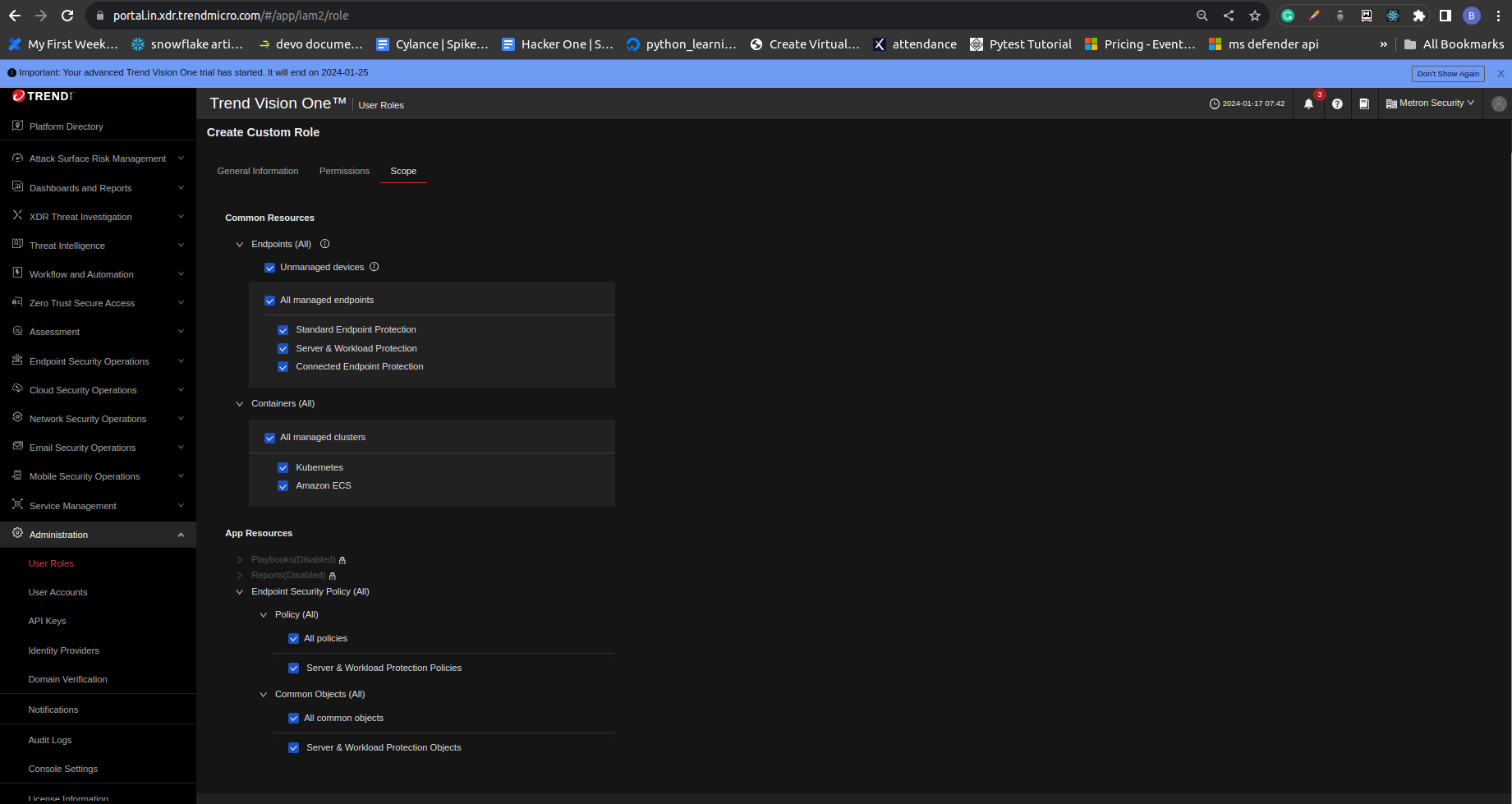
- Under the Scope section, select necessary scopes.
- Click on the Save button.
- Go to Administration > User Role > Add Role
- Generate API Key
- Go to Administration > API Keys > Add API Key
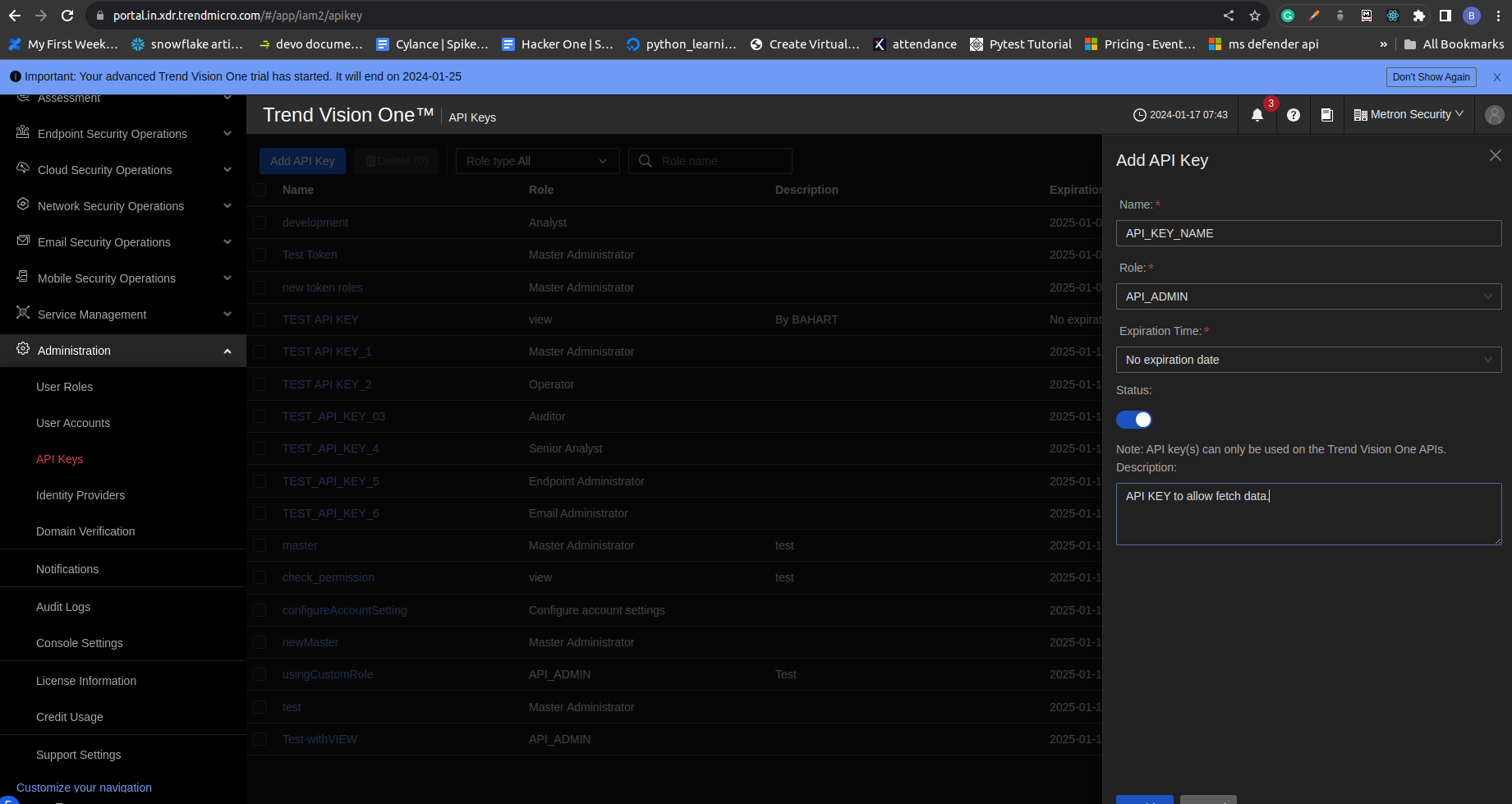
- Provide the API key name, Select the Role provided in step 3, and the Expiration time as No Expiration Date.
- Turn on the status and add the description for the API key.
- Click on the Add button.
- Go to Administration > API Keys > Add API Key
Configuration in JupiterOne
To install the Trend Micro integration in JupiterOne, navigate to the Integrations tab in JupiterOne and select Trend Micro. Click New Instance to begin configuring your integration.
Creating an instance requires the following:
Authentication
-
In Trend Micro Vision One API Key enter the API key previously generated.
-
In Trend Micro Vision One API Base URL Enter the Trend Micro Vision One URL (e.g.
https://api.in.xdr.trendmicro.com).
[Optional] Disable TLS Verification - Set this to true in advanced settings only if you have an on-prem Trend Micro Vision One server that does not have a valid SSL certificate configured. For most cases this value should be false.
- Click Create Configuration after you have entered all the values.
General Settings
-
The Account Name used to identify the Trend Micro account in JupiterOne. Ingested entities will have this value stored in
tag.AccountNamewhen theAccountNametoggle is enabled. -
Description to assist in identifying the integration instance, if desired.
-
Polling Interval that you feel is sufficient for your monitoring needs. You may leave this as
DISABLEDand manually execute the integration.
Click Create once all values are provided to finalize the integration.
Next steps
Now that your integration instance has been configured, it will begin running on the polling interval you provided, populating data within JupiterOne. Continue on to our Instance management guide to learn more about working with and editing integration instances.
Permissions
IAM permissions that must be granted to the integration principal for data ingestion.
Show Permissions (3)
Agentic SIEM and XDR > Workbench: View, filter, and searchDashboards & Reports > Reports: View, Configure and downloadEndpoint Inventory: View
Endpoints
API endpoints that the integration makes requests to.
Show Endpoints (4)
/v3.0/asrm/vulnerableDevices/v3.0/eiqs/endpoints/v3.0/endpointSecurity/endpoints/v3.0/workbench/alerts
Licenses
Product licenses or SKUs required in the target environment.
Show Licenses (1)
Cyber Risk Exposure Management credits
Documentation Links
Links to provider documentation relevant to setup and configuration.
Show Documentation Links (1)
Per-Data-Source Breakdown
Authorization required by the steps that make up each data source. Steps that depend on a data source are listed in the Per-Step Breakdown; the complete lists are in the sections above.
Show all data sources (3)
| Data Source | Permissions | Endpoints | Licenses |
|---|---|---|---|
| Alerts | Agentic SIEM and XDR > Workbench: View, filter, and search | /v3.0/workbench/alerts | - |
| Host Agents | Endpoint Inventory: View | /v3.0/eiqs/endpoints, /v3.0/endpointSecurity/endpoints | - |
| Vulnerabilities | Dashboards & Reports > Reports: View, Configure and download | /v3.0/asrm/vulnerableDevices | Cyber Risk Exposure Management credits |
Entities
The following entities are created:
| Resources | Entity _type | Entity _class |
|---|---|---|
| Account | trend_micro_account | Account |
| Alert | trend_micro_alert | Finding |
| Device_Sensor_Agent | trend_micro_sensor | HostAgent |
| Device_Sensor_Agent | trend_micro_host | Host |
| Service | trend_micro_vision_one | Service |
| Vulnerability | trend_micro_vulnerability | Vulnerability, Finding |
| Vulnerability | trend_micro_vulnerability | Finding |
Relationships
The following relationships are created:
Source Entity _type | Relationship _class | Target Entity _type |
|---|---|---|
trend_micro_account | HAS | trend_micro_sensor |
trend_micro_account | HAS | trend_micro_vision_one |
trend_micro_sensor | PROTECTS | trend_micro_host |
trend_micro_sensor | HAS | trend_micro_alert |
trend_micro_vulnerability | EXPLOITS | trend_micro_sensor |
Trend Micro Host
trend_micro_host inherits from Host
| Property | Type | Description | Specifications |
|---|---|---|---|
ipAddresses | array | null | All IP addresses (IPv4 and IPv6) reported for the endpoint by the Trend Micro Vision One endpointSecurity/endpoints API. | |
objectType | string | null | Machine category of the endpoint as reported by Trend Micro Vision One endpointSecurity/endpoints API. Expected values: "server", "desktop". | |
policyName | string | null | Name of the Trend Micro Vision One protection policy assigned to the endpoint agent. |
Trend Micro Sensor
trend_micro_sensor inherits from HostAgent
| Property | Type | Description | Specifications |
|---|---|---|---|
objectType | string | null | Machine category of the endpoint as reported by Trend Micro Vision One endpointSecurity/endpoints API. Expected values: "server", "desktop". | |
policyName | string | null | Name of the Trend Micro Vision One protection policy assigned to the endpoint agent. |
Trend Micro Vulnerability
trend_micro_vulnerability inherits from Vulnerability, Finding
Trend Micro Vulnerability
trend_micro_vulnerability inherits from Finding
Release Notes
-
2026-09-16 — Trend Micro Vision One host and sensor entities now include separate public, private, and IPv6 address properties in addition to the combined IP address list, enabling more precise network-based queries.
-
2026-09-14 — Added an object type property to Trend Micro Vision One host and sensor entities, indicating whether the endpoint is classified as a server, desktop, or another endpoint category.
-
2026-06-24 — Trend Micro Vision One host and sensor entities now include the security policy name applied to the endpoint, enabling policy-based queries.
-
2025-06-04 — New Trend Micro Vision One integration: ingests host agents, vulnerability findings, and security alerts with host relationships.