What's new in Search
Release Date: June 2026
Several improvements to how you find, explore, and query your data.
What is New
| Change | Meaning |
|---|---|
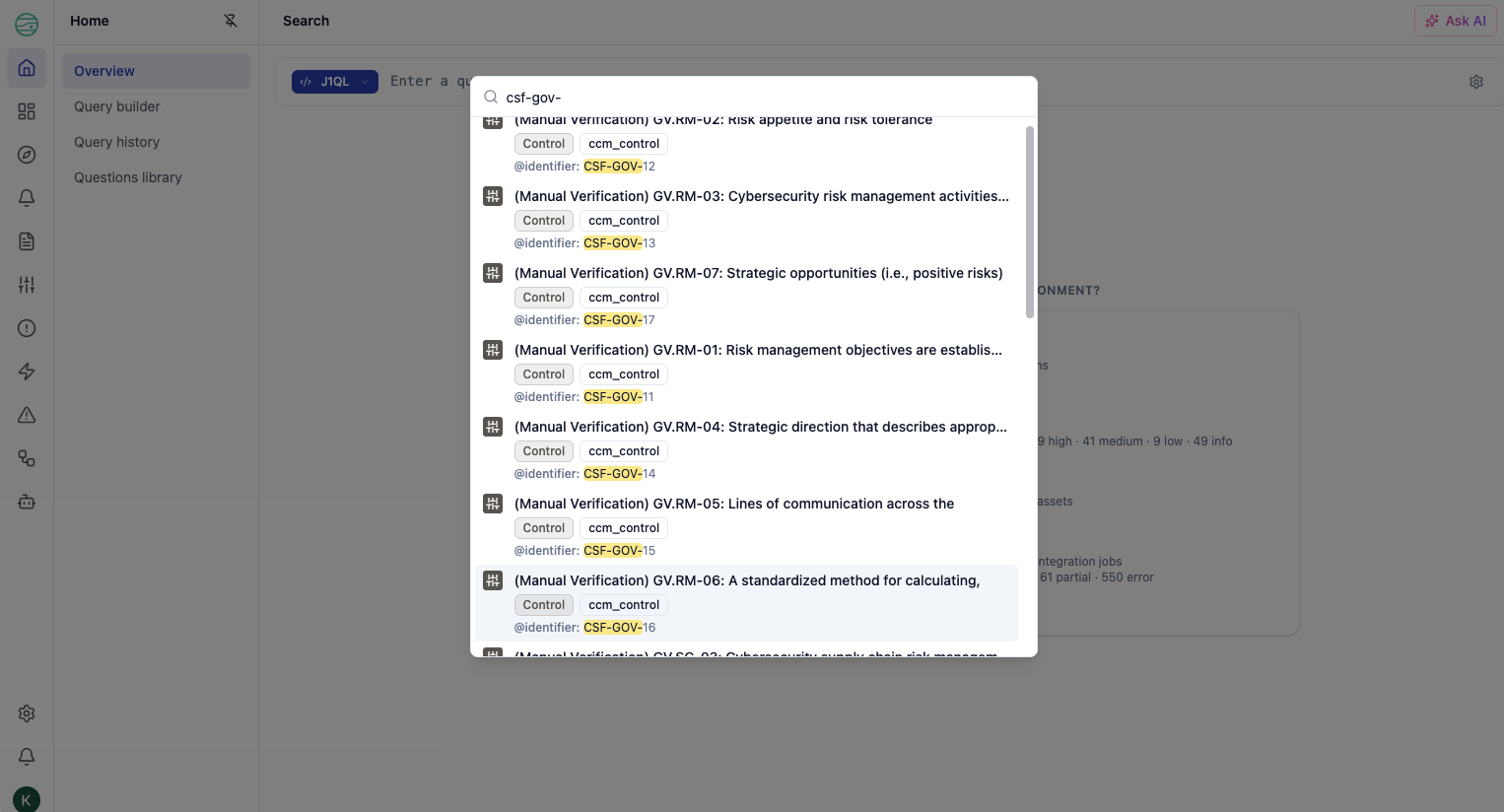
| Instant results in search anywhere (⌘K) | Search anywhere now uses full-text search to scan your entities and give you instant results. |
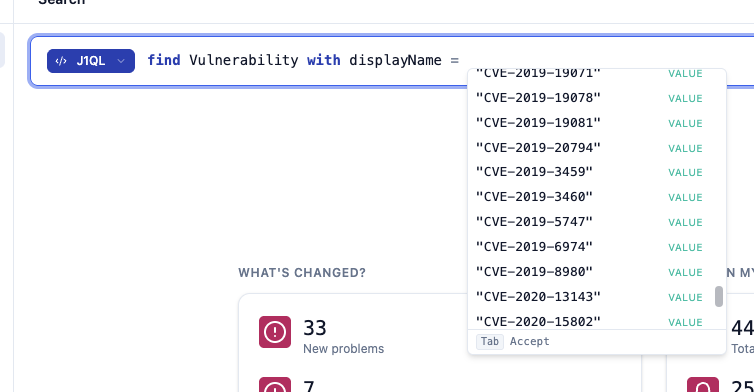
| Refreshed search bar | Autocomplete with property value fetching. Reduced menu noise while writing a query. |
| AI returns multiple query candidates | Type a plain-English question and get several query options back instead of one. |
| Inspector available everywhere | Open the inspector from anywhere in the app, not just query results. Every traversal stays in the URL. |
| Inspect relationships | Relationships can be expanded from anywhere, not just the graph canvas. |
| Graph canvas improvements | Fidelity scales with zoom. Hover to spotlight. Significantly faster. |
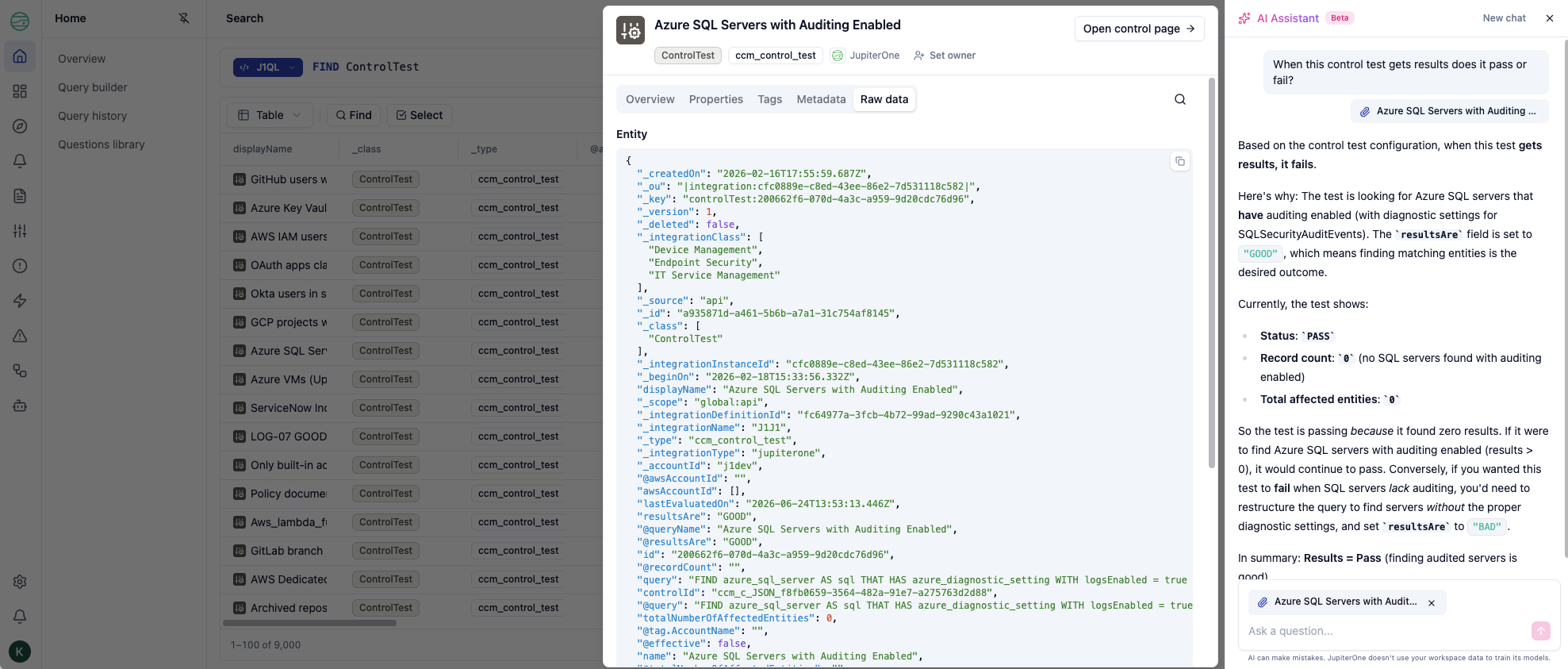
| AI assistant with context | In supported views, the assistant is aware of what you're looking at. Start a conversation about it without leaving the page. |
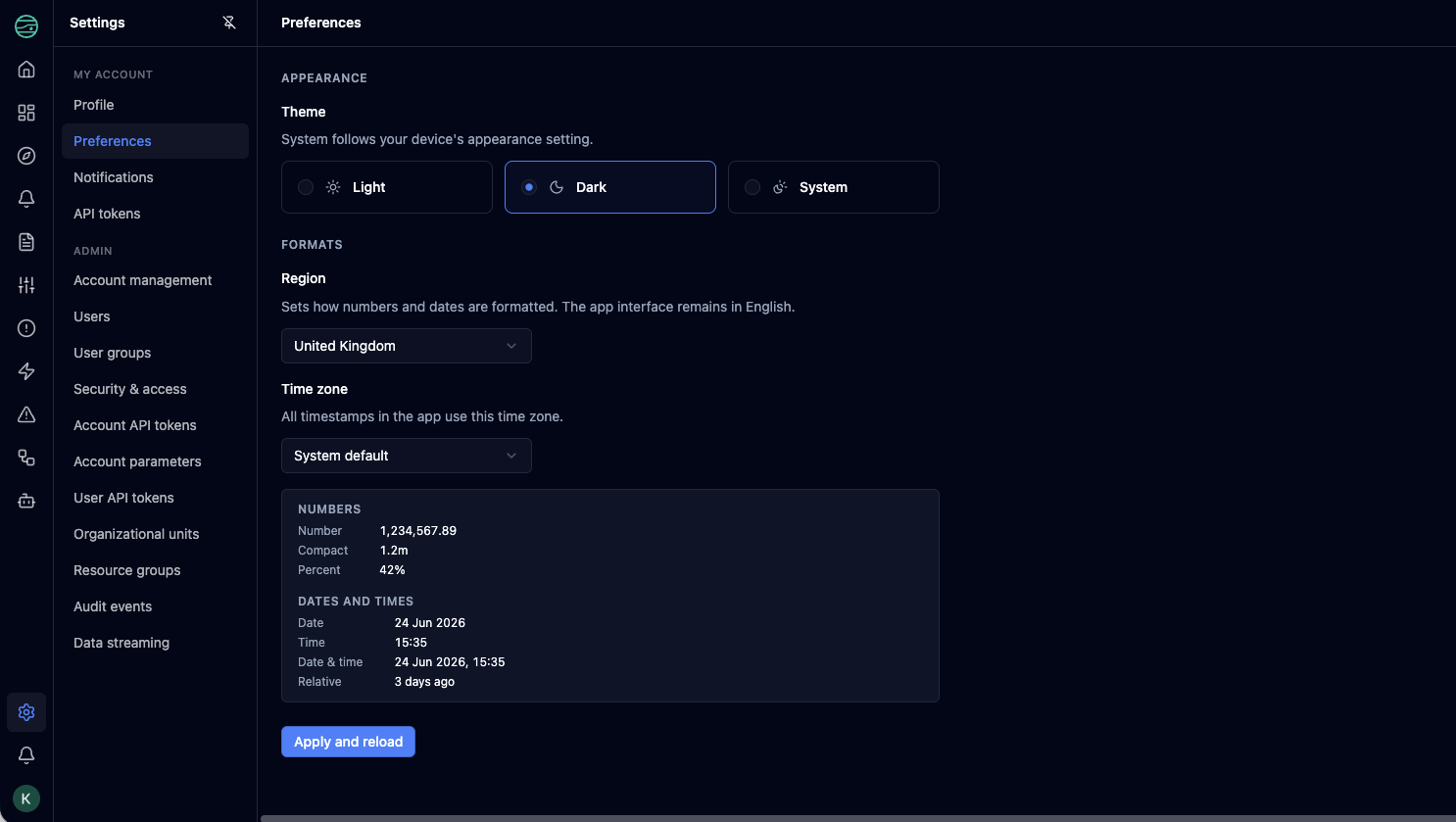
| Dark mode | Supported throughout the app. Set it in Preferences. |
Search
⌘K from anywhere. A global search palette is now available from every page. Type a CVE, a user, a host, a rule — start typing and go. From a result, open the entity directly in the inspector.
Cleaner search bar. Default state is your recently run queries — no more menu on focus. Start typing and they dismiss. Press the right arrow to browse recent queries inline, or go to the Query History page to search and re-run.
Smarter autocomplete. The editor now surfaces token types and fetches real property values as you type, alongside a reference panel showing class documentation, properties, and relationships.
AI returns more options. Input that doesn't start with FIND defaults to AI mode. You now get several query candidates back instead of one.

Results are easier to work with. Resize and reorder columns by drag. Enter selection mode to pick rows, then bulk-set tags, owners, or open everything in the inspector together.
Better query authoring. When writing a query for a rule, question, or control, you now get a full-screen view that lets you iterate and inspect results before saving it to the form.
Query builder
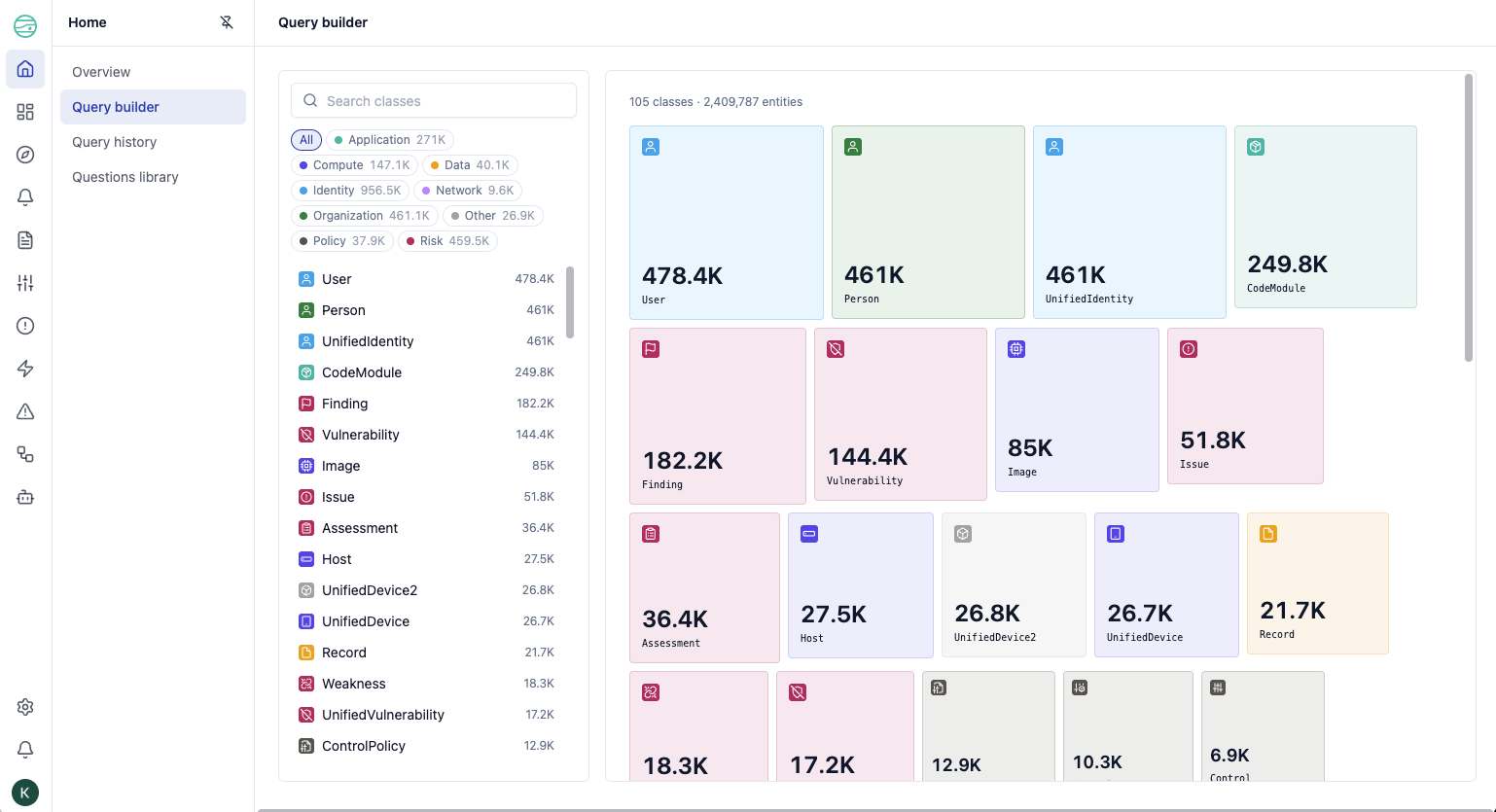
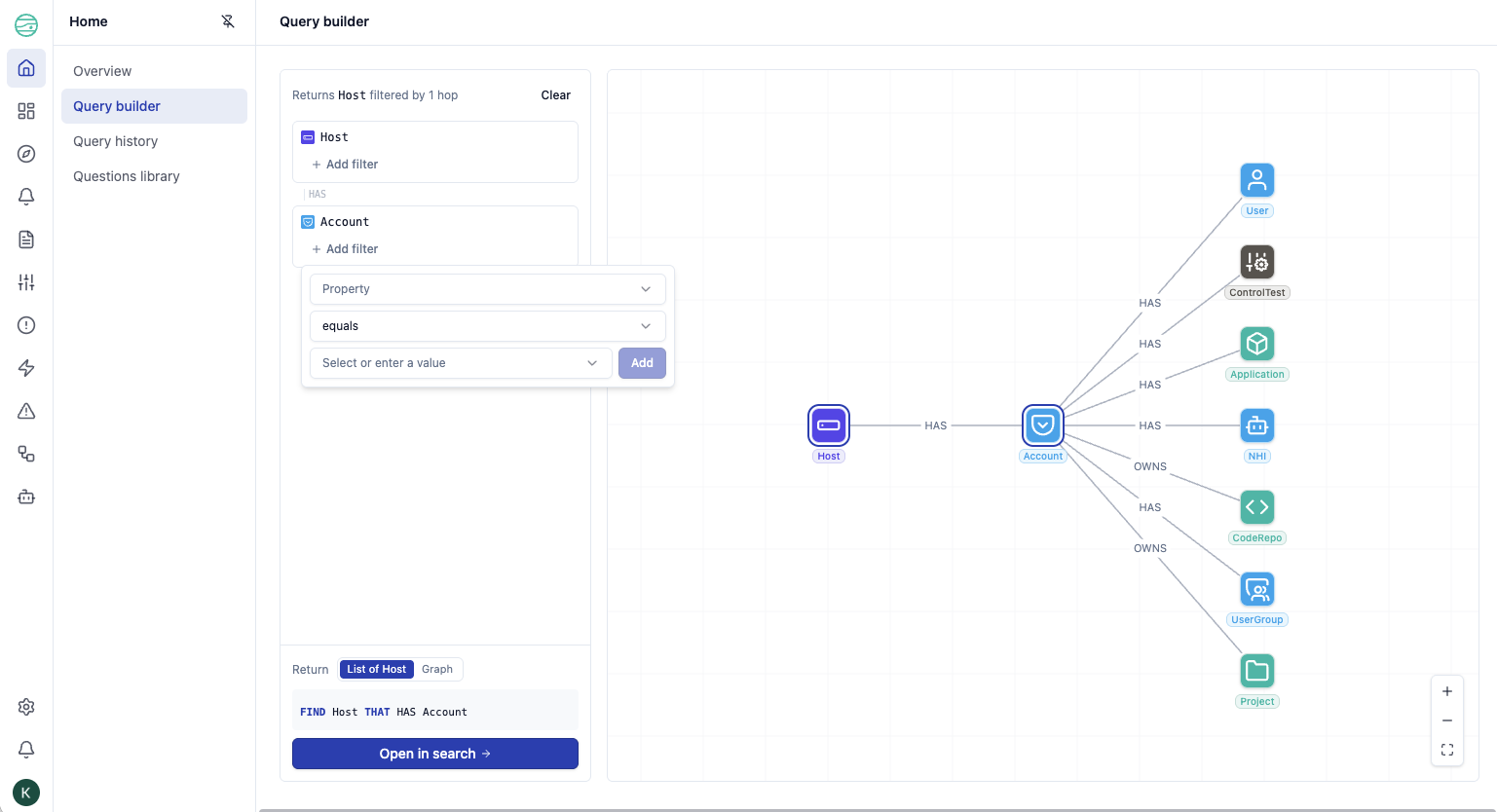
The query builder now lands you with your inventory selection and a heatmap showing the distribution of assets in your environment. As you build, your query renders as a live graph — the actual traversals and relationships in your data. The generated J1QL is less of a focus and lets you focus on your data model and filtering results.
Questions library
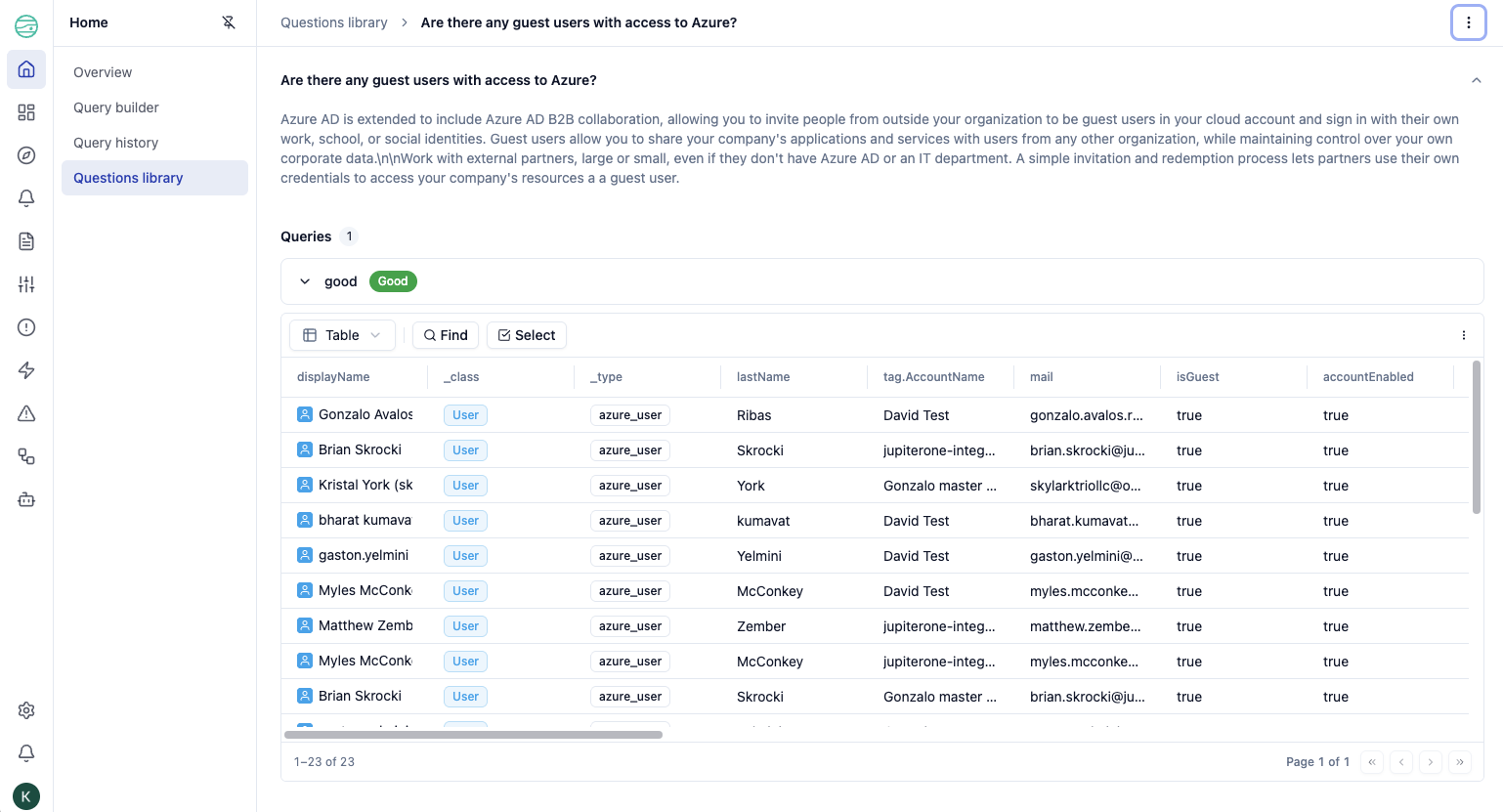
Questions now have their own dedicated page with your account's questions and the JupiterOne library in separate tabs. Trend analysis is available on question detail pages when enabled.
Inspecting your graph
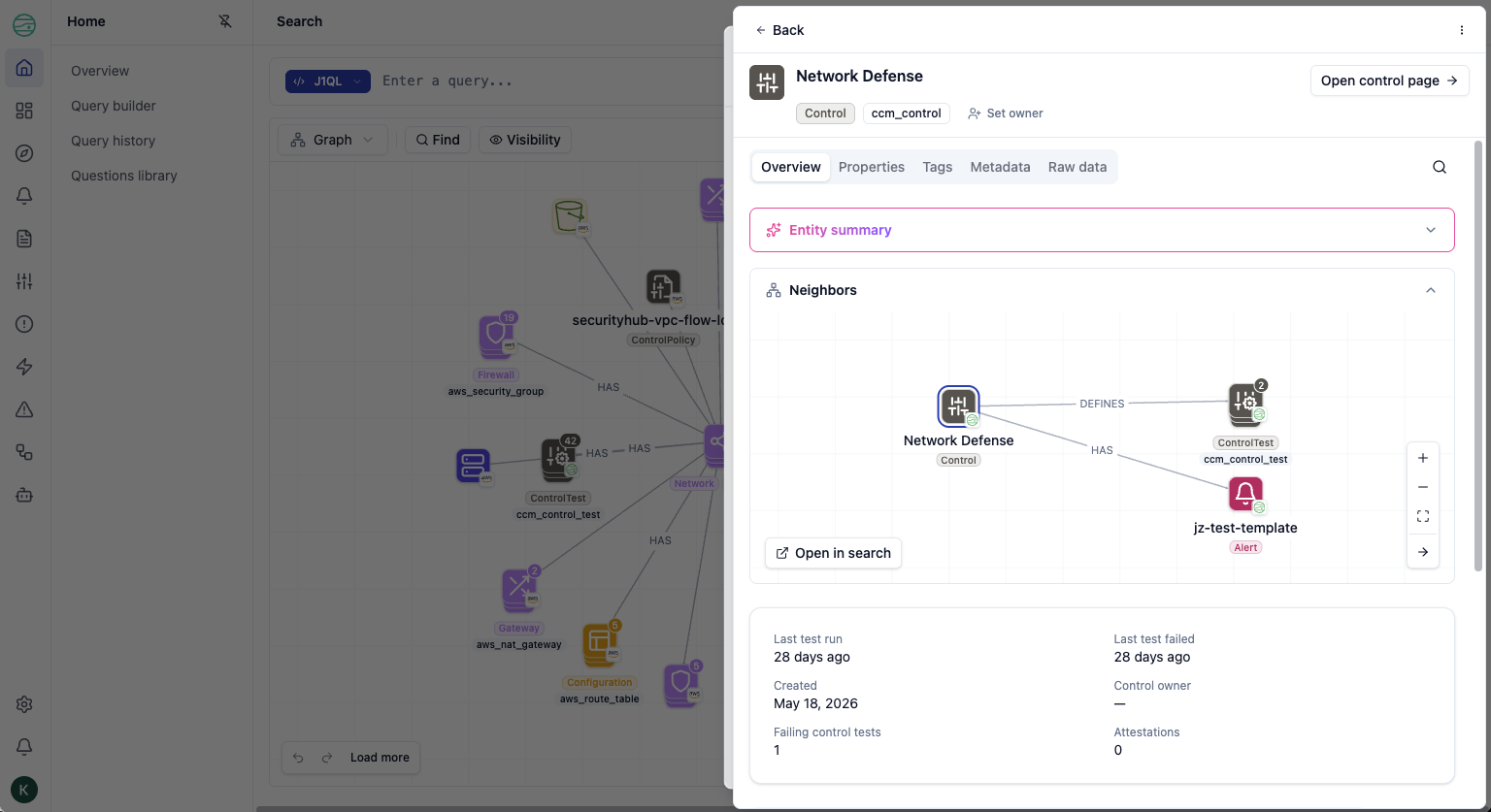
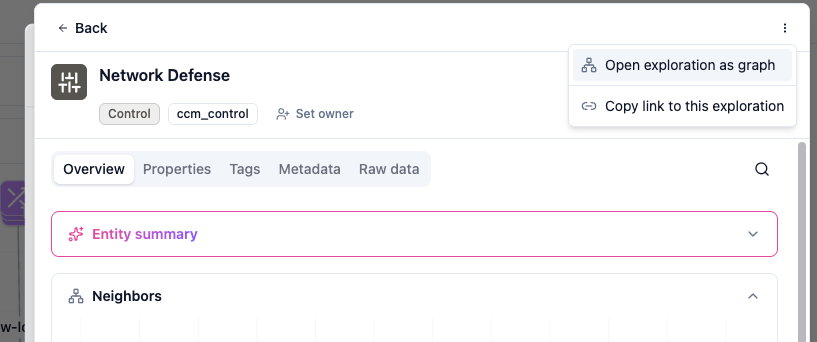
The inspector is now available from anywhere in the app — not just within a query result. Every entity or relationship you open pushes onto a navigation stack. The full traversal stays in the URL, so you can share exactly where you are or hand it off to a teammate, or open it as a graph to see a birds-eye view of what you just walked.
Relationships are first-class — you can inspect them directly, not just entities. For entities with a dedicated in-app experience (ControlTest, Framework, Vulnerability, Rule), you can route directly to that page from the inspector.
The Overview tab includes a 1-hop neighborhood graph, openable in Search for the full experience.
AI assistant
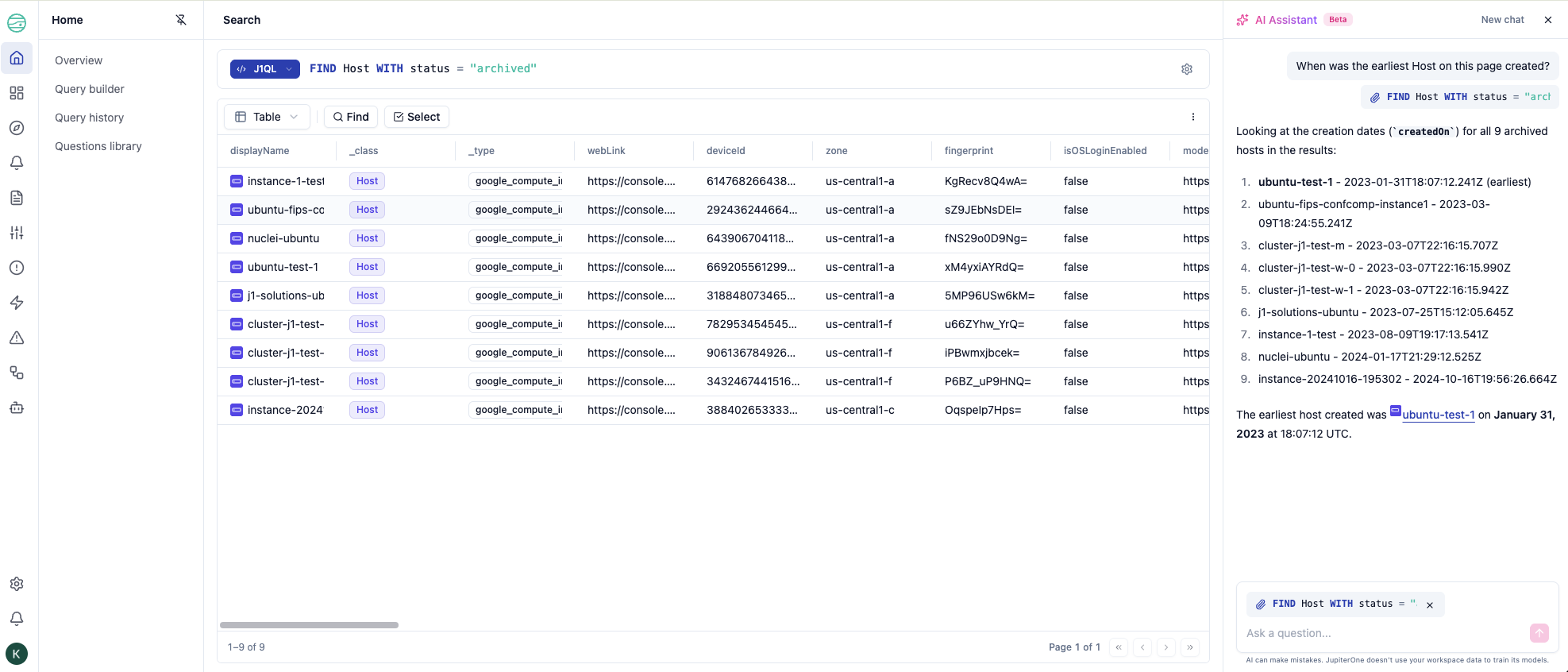
In supported views, the AI assistant is aware of what you're looking at. With the inspector open, you can start a conversation about the entity you're viewing — the assistant has context of the active entity or query result, and can link you directly to other entities in its responses.
Graph canvas
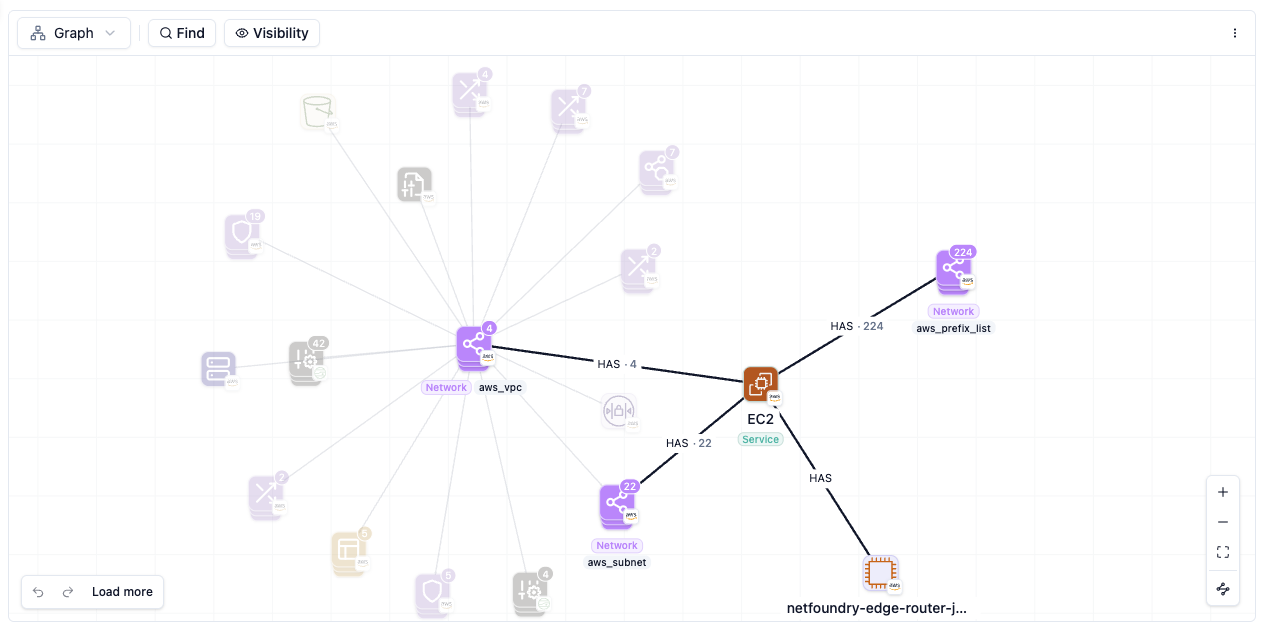
The canvas now scales fidelity with zoom — less noise when you're zoomed out and more detail as you move in.
Hovering a node spotlights it and fades everything else. Clicking selects. For pack nodes, you can search members, peel them off individually, or expand in batches of 10.
Performance is significantly improved — snappier and more responsive than before.
Preferences
A new Preferences page lets you set your timezone, switch between light and dark mode, and choose your number and date format.
Removed
${me}variables in J1QL- Critical asset badge
- "Problem" indicator on entities (
hasProblem) - Bulk entity upload in the UI — use the API for bulk ingestion
- Editing entity properties from the UI — use the API
- Deleting entities from the UI — use the API
- Account logo setting